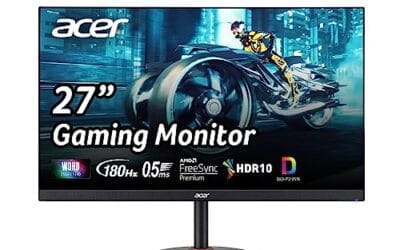
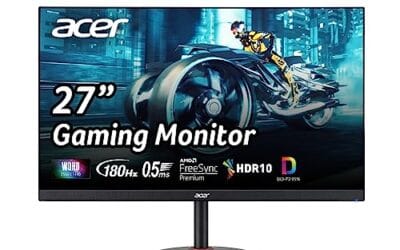
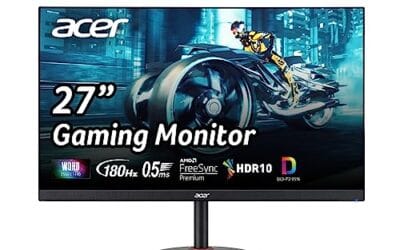
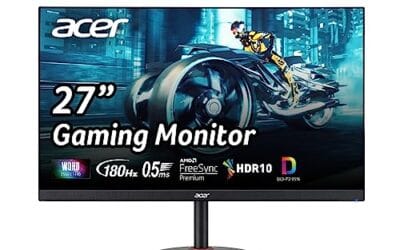
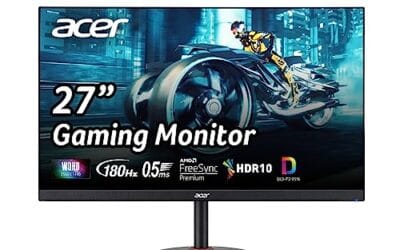
A 27 inch monitor versus a 32 inch monitor isn’t really a size debate. It’s a pixel density debate, a desk fit debate, and a head-turn debate. We’ve run both sizes daily for months across gaming rigs and productivity setups. Here’s what actually changes when you size up, and where 27 still wins.
Matchup at a glance
If you sit roughly 24 to 28 inches from the screen, 27 inches feels immersive without forcing eye sweeps. Step up to 32 and you’re getting a real cinema feel, but you’ll start moving your neck for far-corner UI elements. Ergonomics research puts it at roughly 6 to 8 degrees of extra eye travel between the two sizes during typical desktop work.
Resolution is where it gets serious. A 27 inch panel at 1440p hits roughly 109 PPI. A 32 inch at the same resolution drops to about 92 PPI. Text gets softer. Fine UI elements look chunkier. If you want a 32 to look as sharp as a 27, you really need 4K. That’s the central tradeoff.
Spec sheet showdown
| Spec | 27 inch class | 32 inch class |
|---|---|---|
| Ideal resolution | 1440p QHD | 4K UHD |
| PPI at 1440p | ~109 (crisp) | ~92 (softer) |
| Viewing distance | 24-28 inches | 28-34 inches |
| Typical desk depth needed | 24 inches | 30 inches |
| Best use case | Esports, mixed work | Cinema, productivity |
The Dell S2725DSM (27 inch, 1440p, 144Hz IPS) is a textbook example of what 27 does well. Crisp text, fast panel, no wasted desk space. The ViewSonic 32 inch FHD demonstrates the trap: at 1080p across 32 inches, text quality suffers. We’d push 32 inch buyers toward 4K, not 1080p.

Pros
- Ergonomic stand includes height, tilt, swivel, and pivot adjustments up to 90 degrees.
- Built-in dual 3W speakers remove need for separate audio hardware in basic setups.
- TÜV 4-star eye comfort features reduce blue light without major color shifts.
- ENERGY STAR certification indicates efficient power draw during daily use.
Cons
- Panel type is not specified in the listing, limiting expectations for contrast or viewing angles.
- HDMI and DisplayPort 1.4 lack newer high-bandwidth features found on premium models.
- Speakers remain basic and cannot replace dedicated desktop audio for music or movies.
- No USB hub or KVM features typical at higher monitor tiers.
This is a 27-inch QHD monitor positioned in the mainstream category for office workers and casual gamers seeking fluid motion and ergonomic flexibility.
The 144Hz refresh rate with AMD FreeSync stands out as the primary technical feature, delivering tear-free motion that meets typical expectations for 1440p content consumption and entry-level gaming.
Build quality centers on a fully adjustable stand with height, tilt, swivel, and pivot movement, plus integrated speakers and an ash-white finish suited to modern desks.
Trade-offs at this level include unspecified panel technology and connectivity limited to HDMI plus DisplayPort 1.4, which may constrain future high-bandwidth needs.
Buy this monitor if you prioritize adjustable ergonomics and simple audio integration for daily productivity. Skip it if you require known panel specs or advanced port options.
| Size | 27 inches |
|---|---|
| Resolution | 2560 x 1440 (QHD) |
| Refresh Rate | 144 Hz |
| Response Time | 1 ms MPRT |
| Contrast Ratio | 1500:1 |
| Sync Technology | AMD FreeSync |
| Speakers | 2 x 3 W |
| Ports | 1x HDMI 1.4, 1x DisplayPort 1.4 |
| Stand Adjustments | Height (110 mm), Tilt (-5 to +21°), Swivel (30°), Pivot (90°) |
| Certifications | TÜV 4-star, ENERGY STAR |
| Panel Type | Not specified |
Video connections: HDMI and DisplayPort 1.4 both support full 2560x1440 at 144 Hz from current GPUs and laptops.
Stand placement: Manual adjustments allow matching various desk heights and multi-monitor angles without extra hardware.
Audio integration: Built-in speakers connect directly through the video cable, simplifying setups that avoid separate soundbars.
Workspace use: Dell Display and Peripheral Manager software enables window tiling and scheduled brightness changes on Dell systems.
Upgrade path: Standard VESA mount compatibility is assumed but not listed, so confirm before wall or arm installation.
Where 27 inches still wins
Competitive gaming. Every esports pro we’ve watched still runs 24 to 27. The reason’s simple. Your eyes don’t have to scan as far for peripheral targets, and the entire game frame stays inside your fovea. We’ve played Valorant and CS2 on both sizes, and the 27 felt noticeably easier to track flicks on.
Desk real estate. The Dell SE2725HM and Samsung S30GD both fit on a 24 inch deep desk without crowding. A 32 inch panel needs roughly 30 inches of depth before the viewing distance feels natural. If you’ve got an IKEA Linnmon at 23.6 inches, just stop at 27.
Pixel density at 1440p. 27 inch at QHD is the most balanced productivity setup on the market. Text’s crisp. Frame rates stay reasonable on midrange GPUs. The Samsung S36GD curved variant adds immersion without the size jump.
Where 32 inches earns its space
Single-screen productivity. Two documents side by side, a spreadsheet plus a meeting window, a video timeline plus a preview. 32 inches lets you ditch the second monitor for many workflows. That works out to roughly 15% more usable workspace versus a 27 at the same resolution.
Cinematic gaming. RPGs, racing sims, and open-world titles feel grander on 32. We replayed Cyberpunk on both sizes and the bigger screen genuinely changed the experience. Faster shooters felt no better, sometimes worse.
Creative work at 4K. Photo and video editors love the extra screen real estate. UI panels can stay docked without crowding the canvas. That’s where 32 inch 4K really starts to justify its price premium.
Color work specifically benefits. A 32 inch 4K with a wide gamut panel gives retouchers and colorists enough room to keep waveform monitors, scopes, and reference images visible alongside the main timeline. We’ve watched colorists shave roughly 20 minutes per session just by ditching the second display they used to need.
Living room and studio use cases also lean 32. If your “desk” is actually a couch with a coffee table and you’re sitting 5 to 6 feet away, 27 starts to look small. 32 fills the same viewing angle as a 27 at desktop distance, and the extra resolution holds up across the room.
Pros
- IPS panel offers wider viewing angles than typical budget VA or TN office monitors
- 75Hz with VRR is a meaningful upgrade over 60Hz for casual gaming and desktop fel
- Built-in speakers and VGA input suit basic office deployments without extra peripherals
Cons
- Limited owner feedback at time of writing, so long-term panel uniformity and QC are hard to gauge
- 1080p across32 inches yields low pixel density around 69 PI, text looks soft up close
- Brightness, HDR, color gamut, stand ergonomics, and VESA support are not specified in source data
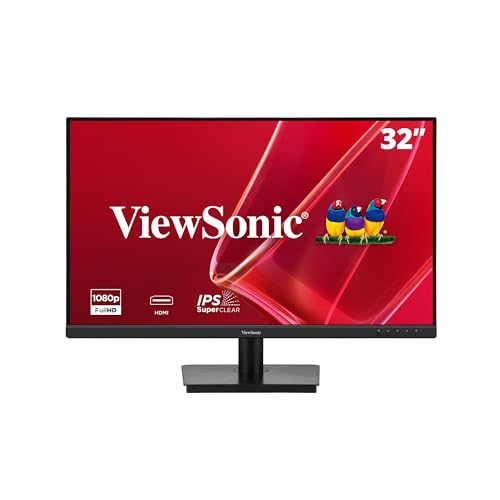
The ViewSonic VA3209M is an entry-level 32 inch 1080p IPS monitor pitched at home office and productivity buyers. With a75Hz refresh, Variable Refresh Rate, built-in speakers, and both HDMI and VGA, it targets users who want a large second screen for documents, browser tabs, and light after-hours gaming rather than color-critical work.
The defining trait is size for the money. A 32 inch IPS at FHD gives generous desktop area with wide viewing angles, useful when sharing the screen or working off-axis. Monitors at this tier typically deliver around 250 nits SDR brightness and roughly 72 percent NTSC coverage, adequate for office lighting but not for HDR or print work.
The trade-off is pixel density. 1920x1080 stretched over 32 inches lands near 69 PPI, well below the 90 to 110 PPI range most users find comfortable for text. VRR at 75Hz helps scrolling and casual gaming, but competitive players should look elsewhere. Stand adjustability, VESA mount, and panel response time are not specified in the source data.
Buy this if you want a large, low-cost secondary display for spreadsheets, email, and web work where scren area matters more than sharpness. Skip this if you sit close to the screen, care about text clarity, or need color-accurate output for photo, video, or design tasks.
Panel and resolution: IPS panel at 1920x1080 across a 32 inch diagonal, which puts pixel density near 69 PPI. IPS gives wider viewing angles than the VA panels common at this size and price, at the cost of typically lower contrast, usually around 1000:1 for panels in this tier.
Refresh and motion: 75Hz refresh with Variable Refresh Rate helps prevent tearing in light gaming and gives smoother cursor and scroll behavior than 60Hz. Response time GtG is not specified in source data, and monitors at this tier typically land in the 5 to 8 ms GtG range, workable for casual play but not esports.
Eye comfort and presets: Flicker-Free backlight and Blue Light Filter address fatigue during long work sessions. Five preset modes (Game, Movie, Web, Text, Mono) plus front-panel controls make quick tuning simple, though calibration data, sRGB coverage, and factory Delta E are not disclosed.
Connectivity: One HDMI and one VGA input cover modern laptops and legacy office PCs without dongles. Built-in speakers handle system sounds and video calls. DisplayPort, USB hub, headphone jack, and VESA mount support are not specified in source data.
Which to buy
Pick 27 inch if you sit close, play competitive games, or work on a shallow desk. The Dell S2725DSM and Samsung S30GD are great starting points. Crisp, fast, and easy to live with.
Pick 32 inch if you sit further back, do creative work, or want one big screen instead of two. Just commit to 4K. A 32 inch at 1080p looks rough. A 32 inch at 4K looks gorgeous. There’s no middle ground that satisfies.
Still torn? Default to 27. It’s the safer pick for mixed workloads, and you can always add a second one later. Going from 32 back down to 27 feels like a downgrade. Adding a sidekick monitor doesn’t. Just budget for a decent monitor arm if you go dual. A clamp-on VESA arm clears the desk in ways a stock stand never will.
One more consideration: panel type. IPS dominates both sizes for productivity and color work. VA panels show up more often in curved 32s and offer deeper blacks for movie watching. OLED’s the new arrival at both sizes but commands a steep premium. We’d skip OLED for static desktop work because of burn-in risks on UI elements.
Common questions
Is 32 inches too big for gaming?
Not inherently. For fast-paced competitive titles, yes, it can hurt reaction times because targets move further across your visual field. For story-driven and racing games, it’s fantastic. We’d reach for 32 inches for Forza, 27 inches for Counter-Strike.
Do I need 4K on a 32 inch monitor?
Strongly recommended. At 1440p, a 32 inch panel hits ~92 PPI, which is acceptable but not crisp. At 1080p it looks soft. 4K solves the density issue and future-proofs the screen.
Can I stack two 27s instead of one 32?
Absolutely. Two 27s give roughly 1,400 square inches of screen versus 530 for a single 32. Bezels and head-turning are the tradeoffs. Productivity users tend to prefer dual 27. Creators tend to prefer one big 32.
Does refresh rate matter more than size?
For competitive gaming, yes. A 144Hz 27 will feel snappier than a 60Hz 32 every single time. For everything else, size and resolution matter more once you’re past 100Hz. The Dell S2725DSM at 144Hz QHD is a strong example. Fast enough for shooters, sharp enough for code, and priced well under $200.