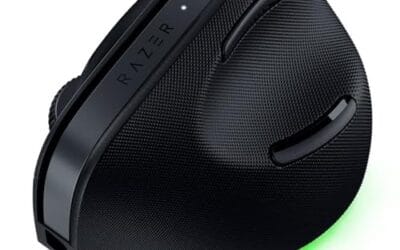
How To Fix Mouse Scroll Wheel Jumping: Causes and Fixes We Researched
You're reading a long article, you scroll down two lines, and the page snaps back up one. Or you nudge the wheel once and it flies past six paragraphs.

We independently review everything we recommend. When you buy through our links, we may earn a commission. As an Amazon Associate we earn from qualifying purchases. Learn more ›
You're reading a long article, you scroll down two lines, and the page snaps back up one. Or you nudge the wheel once and it flies past six paragraphs.
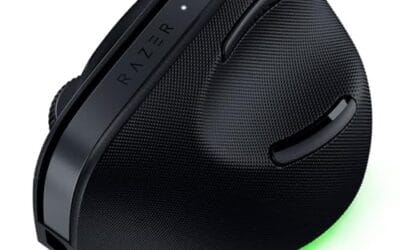
If you've ever flicked toward an enemy in a shooter and landed slightly past them, then flicked back and overshot again, mouse acceleration might be the.
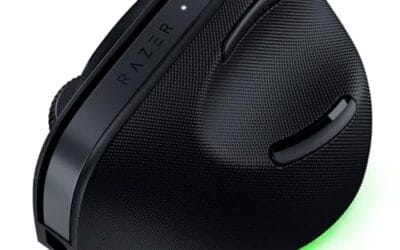
Shopping for a budget gaming mouse in 2026 is stranger than it sounds. Search that phrase and you'll get a wild spread: $14 wired clickers next to $114.
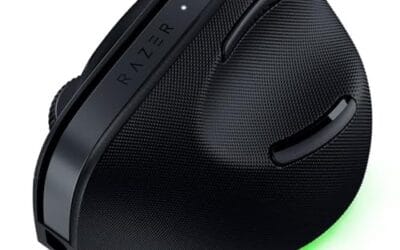
You plug in the mouse, the cursor sits frozen in the middle of the screen, and Windows acts like nothing happened.

Mouse drift is that maddening moment when your cursor slides on its own, jumps a few pixels sideways, or keeps creeping after your hand stops moving.
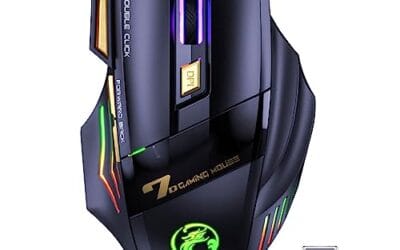
You single-click a link and the page opens twice. You drag a file and it drops halfway, then snaps back.
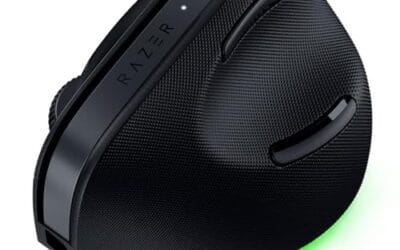
Your cursor jumps a few pixels, freezes for half a second, then snaps forward like it skipped a frame.
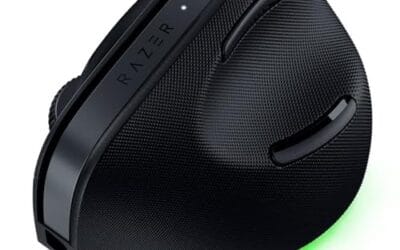
Shopping for the best wireless gaming mouse in 2026 gets messy fast, because the same search results toss traditional gaming mice, vertical ergonomic models.

Mouse acceleration is the reason your cursor sometimes flies across the screen when you move fast and crawls when you move slow.

A dirty optical sensor is the quiet reason your cursor stutters, skips across the screen, or freezes for a half-second mid-swipe.