
Acer Gaming Laptops: Nitro vs Predator Lines Explained
Acer’s gaming laptop lineup stretches from budget-conscious Nitro models around $600 to high-performance Predator machines...

We independently review everything we recommend. When you buy through our links, we may earn a commission. As an Amazon Associate we earn from qualifying purchases. Learn more ›
Acer’s gaming laptop lineup stretches from budget-conscious Nitro models around $600 to high-performance Predator machines...

A writer's laptop is a strange object. It doesn't need a discrete GPU or a 240Hz panel. What it needs is a keyboard that disappears under your fingers at 2.
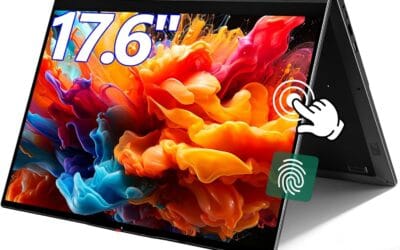
Touchscreen laptops used to be a niche pick. In 2026, they're showing up across nearly every price tier, from $400 Chromebooks to $2,500 Surface Studios.
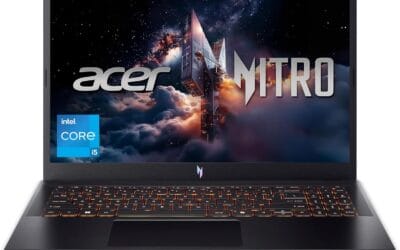
Sub-$1000 gaming laptops used to mean smeared 720p and a fan that screamed at idle. That's not 2026 anymore.

A laptop battery cycle counts as one full discharge worth of use - not necessarily one charge-and-drain session.
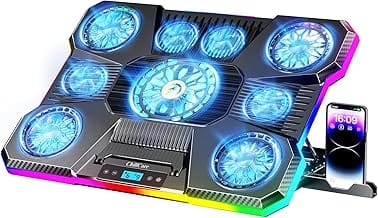
Your laptop's fan sounds like a small jet engine. It's spinning up the second you open a browser tab, and it's loud enough to drown out a Zoom call.

Video editing punishes laptops in ways gaming never does. A 4K timeline with three camera angles, color grades, and a few effects nodes will choke a machine.

A docking station is a single accessory that turns your laptop into a desktop in about three seconds.

The RTX 5060 laptop at the top of this list costs $287 more than the cheapest pick, and that single spec gap is the whole story of shopping for the best gaming

$919 now buys a gaming laptop with a discrete NVIDIA RTX GPU inside. That single price tag reframes how the best budget gaming laptop question gets answered, be