
Ethernet Not Working: Causes and Fixes We Researched
You plug in the cable, and nothing. No connection, or maybe that dreaded yellow triangle over the network icon.

We independently review everything we recommend. When you buy through our links, we may earn a commission. As an Amazon Associate we earn from qualifying purchases. Learn more ›
PC fixes, error solutions, BSODs
You plug in the cable, and nothing. No connection, or maybe that dreaded yellow triangle over the network icon.
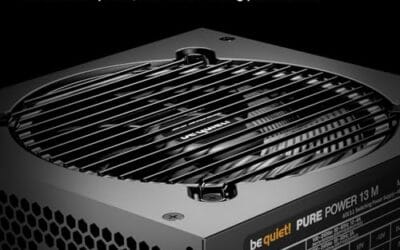
A clicking sound from your power supply is the kind of thing that makes you shut the PC off and just stare at it for a second.
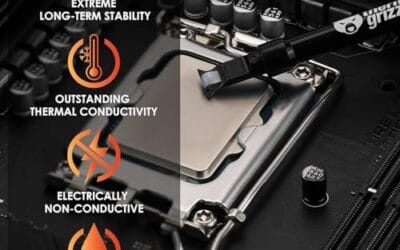
You hit the power button, the PC lights up, but the case fans just sit there dead still. Maybe they twitch once and stop. Maybe nothing happens at all.

Few things kill a gaming session or a call faster than a Bluetooth headset that drops out every couple of minutes.

Your PC was humming along fine, and now it sounds like a jet on takeoff, stutters mid-game, or just shuts off cold with no warning.

You unboxed a shiny new graphics card, popped the side panel off, and the thing just will not slide home. Maybe the tip bumps a drive cage.
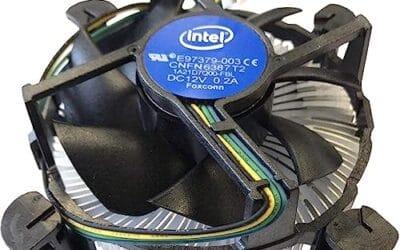
Your CPU hit 95C the second a game loaded, the fans screamed, and the machine throttled or shut down.

You boot the machine, open Task Manager, and the number is wrong. You installed 32GB, but Windows swears you only have 16GB.

You press a key and the letter shows up a beat later, or three letters land at once after a pause.

You're mid-match, someone's about to give a callout, and instead of their voice you get a wall of hiss, crackle, and popping.