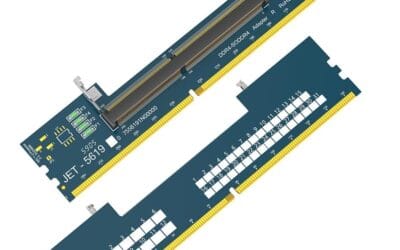
How to Upgrade RAM in 2026: Desktop and Laptop Guide
RAM is the easiest upgrade you'll do on a PC. Five minutes for a desktop, maybe ten for a laptop, and you're back in Windows watching Task Manager confirm.

We independently review everything we recommend. When you buy through our links, we may earn a commission. As an Amazon Associate we earn from qualifying purchases. Learn more ›

63 articles published
RAM is the easiest upgrade you'll do on a PC. Five minutes for a desktop, maybe ten for a laptop, and you're back in Windows watching Task Manager confirm.
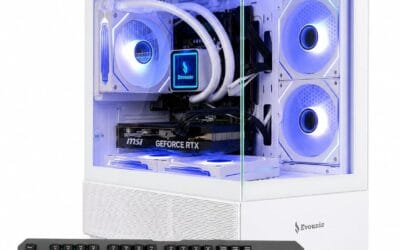
A grand is the honest entry point for 1080p high-refresh gaming and capable 1440p in 2026. Not because that's where marketing brackets it, but because the.
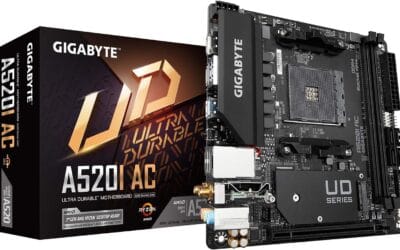
SFF used to mean compromise. You picked small, and you paid for it with thermal throttling, fan whine, and a GPU that wouldn't physically fit.
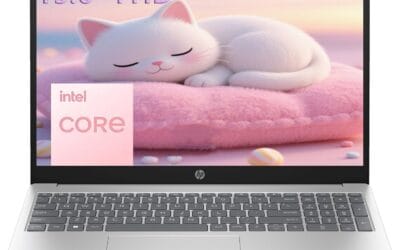
Most freshmen overspend on their first college laptop. Walk into any back-to-school sale and you'll see parents dropping $1,400 on machines their kid will.
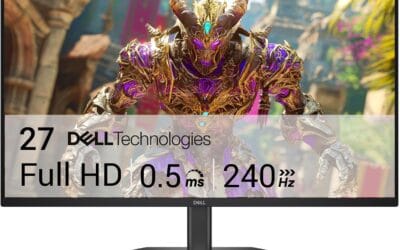
A few years back, picking a 240Hz monitor meant accepting a 1080p TN panel with washed-out colors and viewing angles that fell apart the second you slouched.
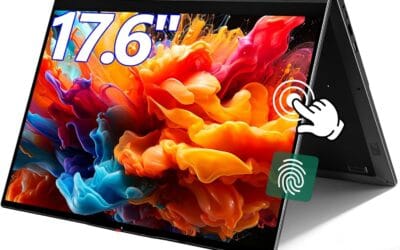
Touchscreen laptops used to be a niche pick. In 2026, they're showing up across nearly every price tier, from $400 Chromebooks to $2,500 Surface Studios.
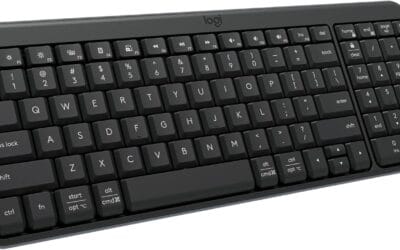
A Bluetooth keyboard cuts the cord between your fingers and your screen. It uses the same short-range radio standard that connects your AirPods, your fitness.
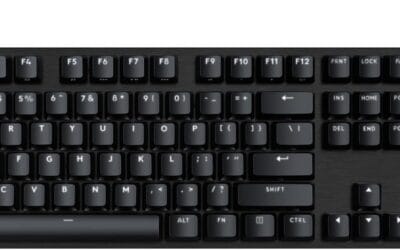
Mechanical keyboards have quietly become one of the best-value categories in PC peripherals this year.
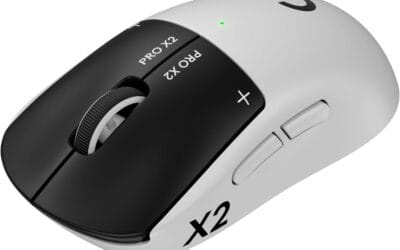
A gaming mouse is the one peripheral where spec sheets actively mislead. A 26,000 DPI sensor sounds impressive on paper, but nobody actually plays above.
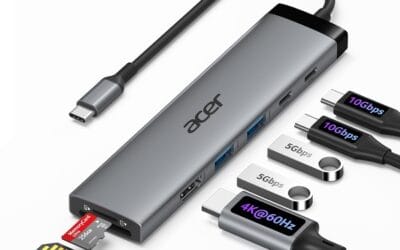
Your gaming laptop has two USB-C ports and you're already out of room. Mouse, headset, capture card, external SSD, second monitor.