
A Nits Rating Explained: What It Actually Does for Your PC
Every monitor spec sheet throws a number at you labeled "nits," and most shoppers scroll right past it. That's a mistake.

We independently review everything we recommend. When you buy through our links, we may earn a commission. As an Amazon Associate we earn from qualifying purchases. Learn more ›
Discover the best gaming monitors for smooth gameplay and stunning visuals. From high refresh rates to ultra-fast response times and vibrant displays, compare top monitors built for competitive and immersive gaming.
Every monitor spec sheet throws a number at you labeled "nits," and most shoppers scroll right past it. That's a mistake.

Spend $200 on a monitor and you'll walk away with a sharp 1440p or fast 1080p panel that handles most games without complaint.

HDR on Windows 11 can look fantastic, but only when the whole chain is set up correctly. The display has to support HDR, the cable and port need enough.

You've probably seen a monitor listed as 144Hz or 240Hz and wondered what that number actually buys you.

A 144Hz monitor refreshes every 6.94ms, while a 165Hz monitor refreshes every 6.06ms. That's about 0.88ms per frame.

A great movie projector turns a blank wall into a 100-inch screen for less than the price of a mid-size TV. That's the appeal.
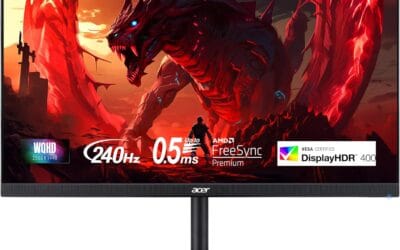
Steam's 2026 hardware survey still puts 1080p at roughly 60% of active gamers, but the math behind that number is shifting fast.
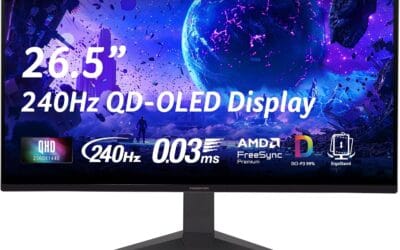
Ask ten people about an OLED monitor and you'll get ten different opinions, most of them outdated.
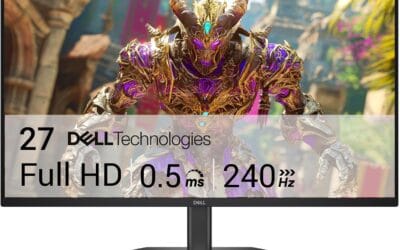
A few years back, picking a 240Hz monitor meant accepting a 1080p TN panel with washed-out colors and viewing angles that fell apart the second you slouched.
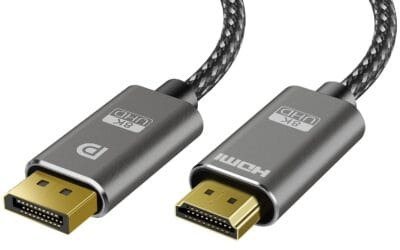
The cable on the back of your GPU matters more than you'd think. HDMI 2.1 caps at 48 Gbps. DisplayPort 2.1 punches up to 80 Gbps with UHBR 20.