
How To Fix Bluetooth Headset Keeps Disconnecting: Causes and Fixes We Researched
Few things kill a gaming session faster than your Bluetooth headset dropping out mid-match. One second you're calling shots to your squad, the next there's.

We independently review everything we recommend. When you buy through our links, we may earn a commission. As an Amazon Associate we earn from qualifying purchases. Learn more ›
PC fixes, error solutions, BSODs
Few things kill a gaming session faster than your Bluetooth headset dropping out mid-match. One second you're calling shots to your squad, the next there's.
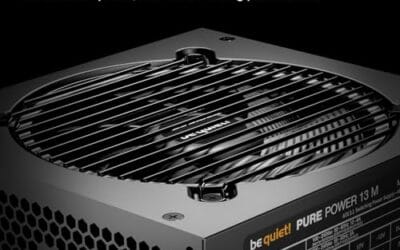
Your PC boots fine, games run, everything looks normal, and yet there's this faint clicking coming from the power supply. Tick, tick, tick.

You're mid-game or mid-call and your headset starts hissing, crackling, or buzzing with static that wasn't there yesterday.
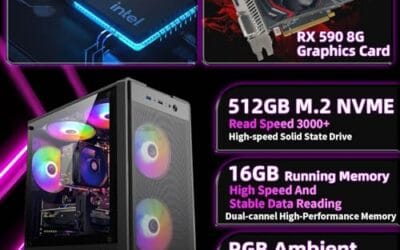
You press the power button, the light flickers, and nothing happens. The mini PC that dutifully ran your media server or office rig last night now sits there.
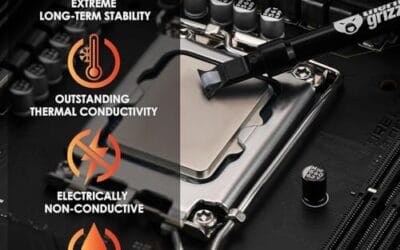
Your all-in-one liquid cooler used to run silent, and now there's a persistent whine, gurgle, or buzz coming from the pump that you can't ignore.
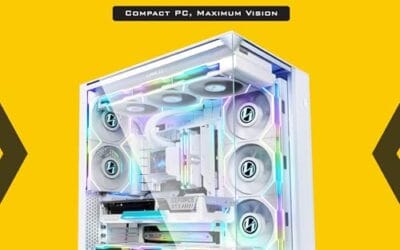
Your PC sounds like a jet at idle, the GPU hits 80C in a menu screen, and thermal throttling is quietly stealing frames you paid good money for.

You hit the power button, the PC starts to boot, then it halts with a blunt message: "CPU Fan Error, press F1 to continue." Annoying, and a little alarming.

You power on the PC, the fans spin up, but the power supply's own fan sits dead still, and now you're worried the whole unit is cooking itself.

You dropped a new Intel chip into the socket, closed the case, pressed the power button, and nothing happened the way it should.

Your headset is sitting on your head, the game is clearly running, the mic light might even be glowing, and yet you get dead silence.