
How To Fix Case Fans Not Spinning: Causes and Fixes We Researched
You boot up, expect to hear that familiar whir, and get silence instead. The case fans aren't spinning, and now you're watching temperatures climb and.

We independently review everything we recommend. When you buy through our links, we may earn a commission. As an Amazon Associate we earn from qualifying purchases. Learn more ›
PC fixes, error solutions, BSODs
You boot up, expect to hear that familiar whir, and get silence instead. The case fans aren't spinning, and now you're watching temperatures climb and.

You press the power button and nothing happens. No fans, no lights, no beep, just a dead box that was working yesterday.
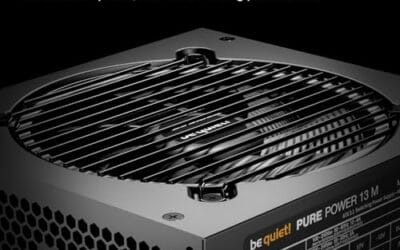
You installed a Windows update, shut down, and now the PC won't power on at all. No fans, no lights, no beep, just a dead box that worked fine an hour ago.

You plug a flash drive into the front of your case and nothing happens. The port that worked yesterday is suddenly dead, or maybe every front USB jack quit.
Your all-in-one liquid cooler was keeping your CPU frosty last month, and now the temperatures are climbing into the danger zone, the pump sounds off, or.
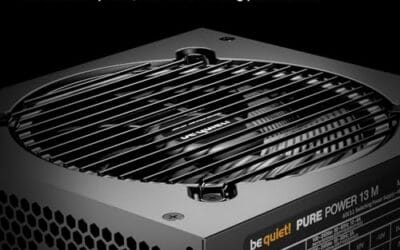
You smell it before you see it: that faint burnt-plastic odor near your GPU, and then you spot the tell, a slightly browned or warped 12VHPWR connector where.

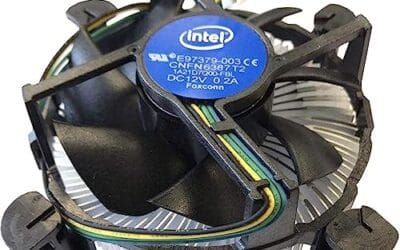
You hit the power button, the PC lights up, and the CPU cooler just sits there. No spin, no whir, nothing.
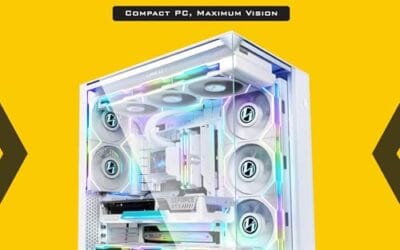
You bought a shiny new graphics card, opened your case, and realized the thing won't slot in.
Your PC is running fine, then without warning the screen goes black and the whole machine dies, no blue screen, no error, just gone.
Your PC used to hum quietly in the corner, and now it sounds like a hair dryer trying to take off.