What Is Tbw On An Ssd Explained: What It Actually Does for Your PC
TBW is one of those SSD specs that looks scary until you translate it into normal PC use. You'll see a drive rated for 600 TBW or 1,200 TBW and wonder if it.

We independently review everything we recommend. When you buy through our links, we may earn a commission. As an Amazon Associate we earn from qualifying purchases. Learn more ›
SSD, HDD, NVMe, NAS, external drives
TBW is one of those SSD specs that looks scary until you translate it into normal PC use. You'll see a drive rated for 600 TBW or 1,200 TBW and wonder if it.
If you've ever copied a huge folder to an SSD and watched the transfer speed start blazing fast, then suddenly drop off a cliff halfway through, you've met.
Here's the number that starts every storage argument: a SATA III SSD caps out near 550 MB/s, while a PCIe Gen4 NVMe drive can push past 7,000 MB/s on.
Shop for an SSD long enough and you'll trip over a spec that half the marketing pages hide: whether the drive has a DRAM cache. It sounds like jargon.
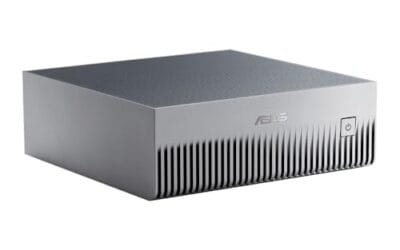
NVMe is the storage protocol that lets modern SSDs talk to your CPU over PCI Express instead of acting like an old SATA drive.
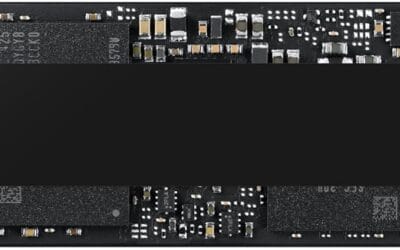
PCIe 4.0 vs PCIe 5.0 SSD sounds simple until you see the numbers. A Samsung 990 PRO tops out at 7,450 MB/s read for $369.99, while a Samsung 9100 PRO jumps.
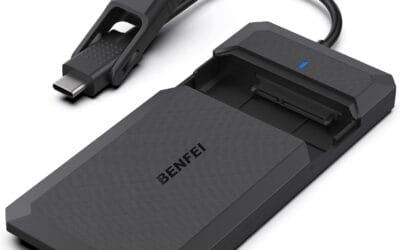
Installing an SSD is a 20-minute job that turns a sluggish PC into something modern. Boot times drop from a minute to about eight seconds, app launches feel.
SSD pricing in 2026 finally hit the level where every PC should have at least 1TB of NVMe sitting in an M.2 slot.
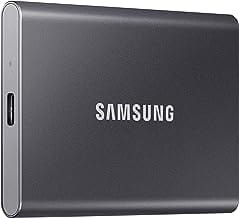
External SSDs got fast. Like, actually fast. The current crop pushes 1,050 MB/s over USB 3.2 Gen 2, and the top-tier USB4 models clear 4,000 MB/s.

Setting up a NAS the first time can feel like wading into enterprise IT territory. RAID levels, IP reservations, SMB shares, port forwarding, encrypted.