
150 Vs 250 Storage: Which Price Tier Actually Buys You More
The phrase "$150 vs $250 storage" usually means comparing mainstream SSD capacity and speed, but the available product data for this article is much broader.

We independently review everything we recommend. When you buy through our links, we may earn a commission. As an Amazon Associate we earn from qualifying purchases. Learn more ›
SSD, HDD, NVMe, NAS, external drives
The phrase "$150 vs $250 storage" usually means comparing mainstream SSD capacity and speed, but the available product data for this article is much broader.

Double your storage budget from $100 to $250 and you don't just get more gigabytes, you cross into a different class of drive.
Moving your operating system from an old drive to a fast NVMe SSD is one of the biggest speed upgrades you can hand an aging PC.
TRIM is the quiet housekeeping command that keeps a solid-state drive fast over its whole life.
Both of these drives can saturate a PCIe 4.0 slot at roughly 7,000 MB/s sequential reads, yet gamers argue about them like the gap is night and day.
Seagate and Sabrent sit at opposite ends of how people think about storage. Seagate is the old-guard name with decades of hard drives and a full SSD lineup.

Ask around about Crucial versus Seagate and you'll get a fast answer: Crucial leans into NVMe and SATA SSDs, Seagate owns high-capacity spinning drives and.

Mass storage on a desktop used to mean a stack of spinning 3.5-inch drives and a lot of patience. That's changed.
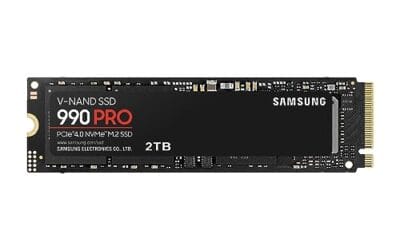
Your boot drive sets the pace for everything the moment you press the power button. Windows load times, app launches, the little pause before a game menu.
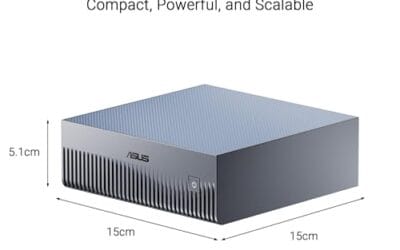
Scrubbing a 4K timeline gets ugly fast when your storage can't keep up. Frames stutter, previews lag, and exports crawl while the rest of the rig sits idle.