
Why Is My Computer Running Slow? 7 Fixes for Windows
Find out why your Windows PC is running slow. Use Task Manager to check CPU, RAM, and disk activity, then fix browser, startup, storage, or cooling problems.

We independently review everything we recommend. When you buy through our links, we may earn a commission. As an Amazon Associate we earn from qualifying purchases. Learn more ›

79 articles published
Find out why your Windows PC is running slow. Use Task Manager to check CPU, RAM, and disk activity, then fix browser, startup, storage, or cooling problems.
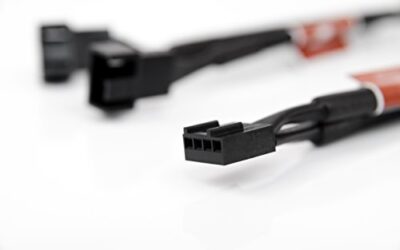
Learn where to plug in your CPU cooler fan, second fan, case fans and AIO pump, plus when a PWM splitter can replace a missing CPU_OPT header.
Budget 3 to 5 hours for your first gaming PC. See how long assembly, first boot, Windows, and monitor setup take, plus what to do if the build runs long.
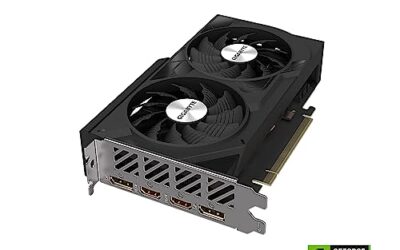
Compare the RTX 4060 and RX 7600 for 1080p gaming, ray tracing, power, and case fit. See when the GeForce is worth paying more and when to buy the Radeon.
Compare the Radeon RX 6600 XT and GeForce RTX 3060 12GB on gaming performance, ray tracing, VRAM, and price. See which desktop GPU fits your build.
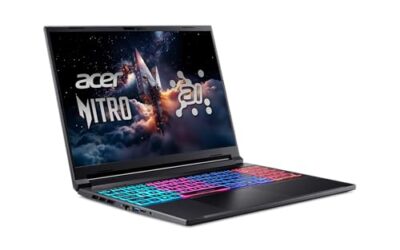
Compare Acer and ASUS laptops for school, work, travel, and gaming. See where Aspire, Vivobook, Swift, Zenbook, Nitro, and TUF fit before you buy.

Find your PC's CPU, graphics card, RAM, motherboard, and storage in Windows 11 or 10. Use built-in tools to check specs for a game or an upgrade.

Find your Windows PC specs, check official game requirements, and use compatibility tools and benchmarks to see what games your PC can run.
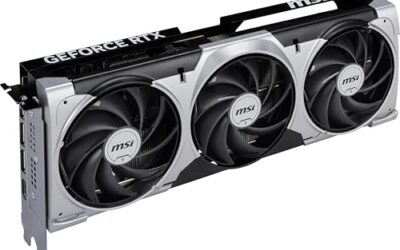
See when PCIe 5.0 matters for a graphics card, how Gen 4 x16 compares with Gen 5 x8, and whether your gaming PC needs a new motherboard.
See when a refurbished gaming PC under $1,000 is worth it, what to check before buying, and how to compare parts, warranties, and total cost.