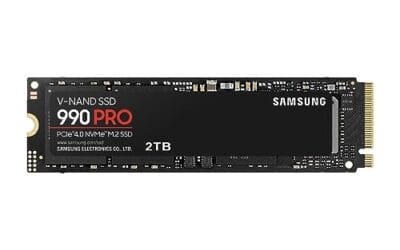
How To Format A New Ssd: A Step-by-Step Walkthrough
You just pulled a brand-new SSD out of the box, slotted it in, and now Windows acts like it doesn't exist. That's normal.

We independently review everything we recommend. When you buy through our links, we may earn a commission. As an Amazon Associate we earn from qualifying purchases. Learn more ›
SSD, HDD, NVMe, NAS, external drives
You just pulled a brand-new SSD out of the box, slotted it in, and now Windows acts like it doesn't exist. That's normal.
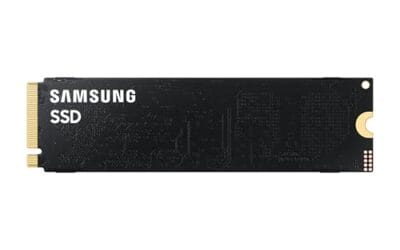
Here's the number that starts most of these arguments: a good PCIe Gen4 drive like the Samsung 990 PRO reads at up to 7,450 MB/s, while the PCIe Gen5 Samsung.
DRAM or DRAMless SSD for gaming sounds like a tiny controller-detail debate until you price out a 2TB drive.
Two Gen4 NVMe drives, both 2TB, both in the M.2 2280 stick that drops into almost any modern board.
A 1TB NVMe drive fills up faster than most builders expect. Two or three modern games, a Windows install, and a handful of creative projects can eat 700GB.
Installing a heatsink on an NVMe SSD is a small job, but it matters more than people expect.
Open almost any modern desktop or laptop and you'll find a slim stick of circuit board, roughly the length of a stick of gum, screwed flat against the.
Swapping your boot drive for a faster SSD is one of the best upgrades you can give an aging PC, and cloning lets you keep Windows, your programs, and every.
Two NVMe drives can share the same PCIe Gen4 rating, the same 2TB capacity, and the same sticker price, yet one falls apart under heavy load while the other.
Video editing punishes slow storage in a way most other workloads never do. Scrubbing a 4K timeline, caching previews, and exporting a two-hour project all.