
What Is Ram Rank Explained: What It Actually Does for Your PC
You bought a memory kit, dropped it in, and somewhere on the box or the spec sheet you saw the word "rank." Single-rank. Dual-rank.

We independently review everything we recommend. When you buy through our links, we may earn a commission. As an Amazon Associate we earn from qualifying purchases. Learn more ›
Upgrade your system’s speed and multitasking performance with the best RAM options. We review top memory kits that offer reliable performance, fast speeds, and great compatibility with modern PCs.
You bought a memory kit, dropped it in, and somewhere on the box or the spec sheet you saw the word "rank." Single-rank. Dual-rank.

You bought a 3600MT/s memory kit, but is your PC actually running it that fast? A lot of the time, it isn't.

ECC memory is RAM with built-in error correction. Instead of only storing data temporarily while your PC is running, it also stores extra check information.

You bought fast memory, dropped it into your AMD build, booted up, and then noticed the sticks were running way below their rated speed.

You bought a fast kit of RAM, dropped it in, and your system reports it running at 2133MT/s or 4800MT/s instead of the speed printed on the box.

Swap two single-rank sticks for two dual-rank sticks on the same DDR4 kit and gaming frame rates can climb 3 to 6 percent with zero change to clock speed.

Your RAM is almost certainly running slower than the sticks are rated for. Out of the box, most DDR4 and DDR5 kits default to a conservative JEDEC speed, and.

Here's the number that settles most arguments before they start: a dual-channel kit built from two DIMMs and a dual-channel kit built from four DIMMs can.

On a DDR5-6000 kit, the gap between CL30 and CL36 works out to about 2 nanoseconds of real access delay. That's it.
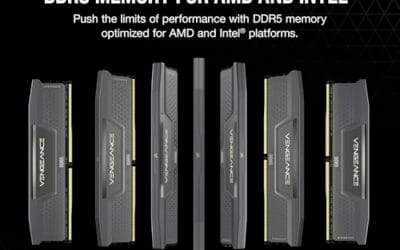
Ask ten builders where DDR5 memory speed stops paying off and you'll hear the same two numbers over and over: 6000MHz and 6400MHz.