Best 4k monitor 2026: 5 Picks We Researched Across Price Tiers
Type "best 4K monitor 2026" into any shopping search and you'll watch the prices climb fast.

We independently review everything we recommend. When you buy through our links, we may earn a commission. As an Amazon Associate we earn from qualifying purchases. Learn more ›
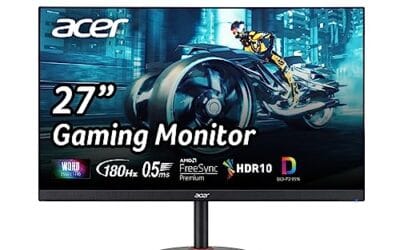
Discover the best gaming monitors for smooth gameplay and stunning visuals. From high refresh rates to ultra-fast response times and vibrant displays, compare top monitors built for competitive and immersive gaming.
Type "best 4K monitor 2026" into any shopping search and you'll watch the prices climb fast.

Spend ten minutes reading monitor spec sheets and you'll trip over the word "nits" fast. It's usually printed in bold next to a big number, and the marketing.
If you've shopped for a monitor in the last year, you've run into the same two letters over and over: IPS and VA.

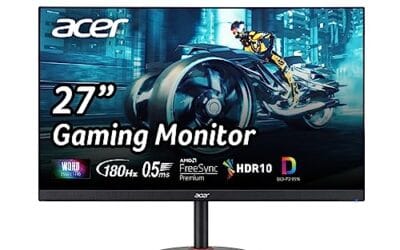
A 27-inch OLED gaming panel still runs $700 to $900, while a solid IPS or fast-VA screen of the same size sells for under $200.
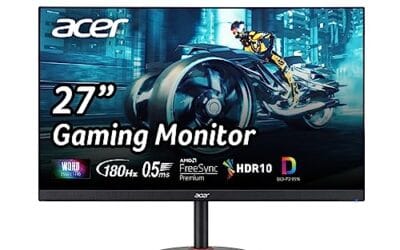
A 4K panel pushes 8.3 million pixels per frame. A 1440p panel pushes 3.7 million. That gap, roughly 2.25x the work per frame, is the whole argument in a.

IPS vs VA panel buying gets confusing because the price gap is smaller than it used to be: one 27-inch VA option here is $109.99 with FHD 1920x1080 and up to.
The jump from a $500 monitor budget to an $800 monitor budget can feel huge, but the real question is what that extra $300 actually buys.
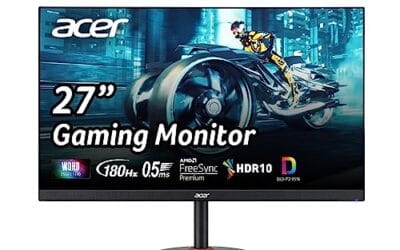
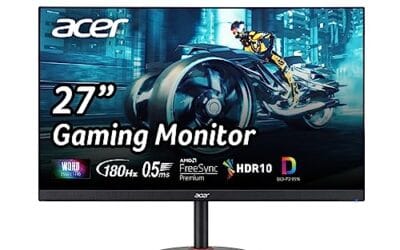
A good budget gaming monitor in 2026 is not just the cheapest screen with a high refresh number on the box.
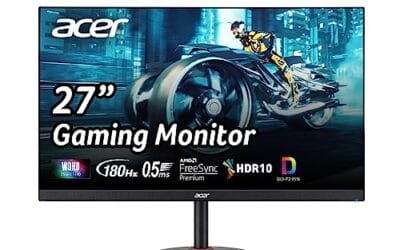
A $300 vs $800 monitor comparison sounds like a clean budget-versus-premium fight, but the real gap depends on resolution, refresh rate, panel quality, HDR.

Learning how to calibrate a monitor is one of those small setup jobs that can make every other PC task feel cleaner.