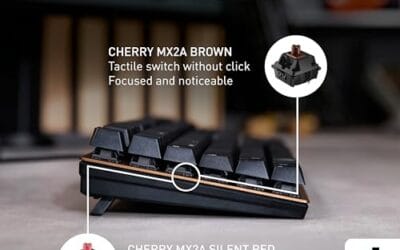
Keyboard Not Typing After Windows Update: Causes and Fixes We Researched
Keyboard not typing after a Windows update feels random, but it usually traces back to driver changes, power settings, firmware behavior, or a device that.

We independently review everything we recommend. When you buy through our links, we may earn a commission. As an Amazon Associate we earn from qualifying purchases. Learn more ›
PC fixes, error solutions, BSODs
Keyboard not typing after a Windows update feels random, but it usually traces back to driver changes, power settings, firmware behavior, or a device that.
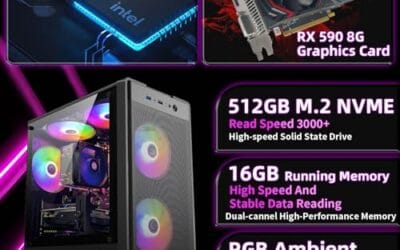
Mini PC overheating after a Windows update feels random, but it usually traces back to driver changes, power settings, firmware behavior, or a device that.
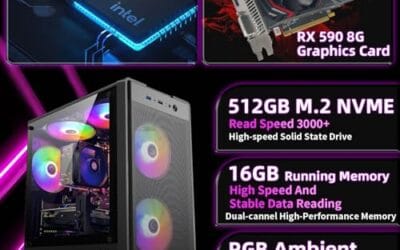
Prebuilt PC Wont Boot After Windows Update usually means one of three things: a simple connection problem, a driver or firmware change, or hardware that no.

How To Fix Ethernet Not Working usually means one of three things: a simple connection problem, a driver or firmware change, or hardware that no longer fits.
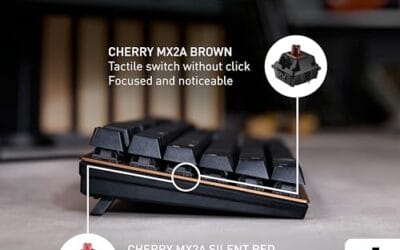
How to fix sticky spacebar usually starts as one annoying symptom that interrupts typing, gaming, or basic desktop use.
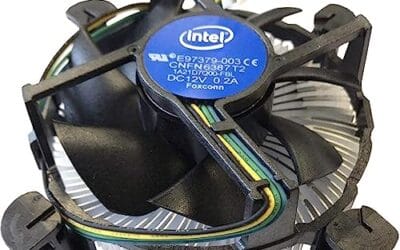
How to fix fan rattling noise usually starts as one annoying symptom that interrupts typing, gaming, or basic desktop use.

You hit the key combo to cycle your keyboard lighting and nothing happens. The board still types fine, so it's not dead, but the RGB is stuck dark, frozen on.

You're mid-match, everything feels fine, then the ping graph spikes to 200ms and your character rubber-bands into a wall.

You press a key, and a beat later the letter shows up on screen. On a wireless keyboard, that lag ranges from mildly annoying to unusable, and it wrecks fast.

You installed a shiny new cooler, hit the power button, and watched the temps climb higher than they were on the stock heatsink.