
Cpu Fan Error On Boot: Causes and Fixes We Researched
You hit the power button, the fans spin for a second, and then the boot halts on a red line of text: "CPU Fan Error.

We independently review everything we recommend. When you buy through our links, we may earn a commission. As an Amazon Associate we earn from qualifying purchases. Learn more ›
PC fixes, error solutions, BSODs
You hit the power button, the fans spin for a second, and then the boot halts on a red line of text: "CPU Fan Error.

A fan that rattles is one of the most annoying sounds a PC can make. It's not the smooth whoosh of airflow.

You dropped in a new processor, buttoned up the cooler, hit the power button, and got nothing.

You're copying a big game install or exporting a video, and mid-transfer the drive just vanishes.

Your PC is doing nothing. Desktop open, no games running, maybe a browser tab or two. Yet the monitoring software says your processor is sitting at 60, 70.

You're mid-game or halfway through a render, the screen flashes blue, and Windows drops a stop code like MEMORY_MANAGEMENT or IRQL_NOT_LESS_OR_EQUAL before.

You hit the power button, the fans spin, the RGB lights up, and then, nothing. You get into BIOS and the processor line reads "Not Installed" or the board.
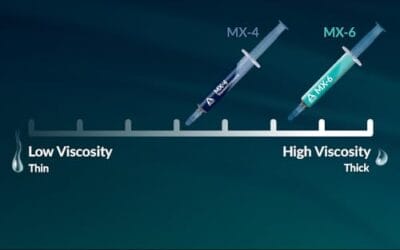
Your mini PC was whisper quiet for months, and now the fan screams the moment you open a browser, the case gets hot to the touch, and games or video calls.

If your PC can see 2.4GHz WiFi but the 5GHz network never appears, the problem usually isn't mysterious.
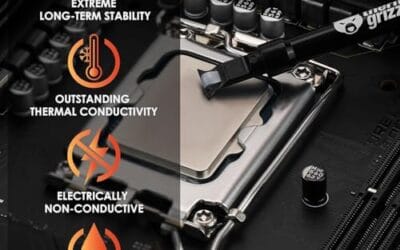
High CPU temps after a new cooler usually mean the cooler is not moving heat from the CPU into the heatsink correctly, not that the processor suddenly got.